App Client Configuration
-
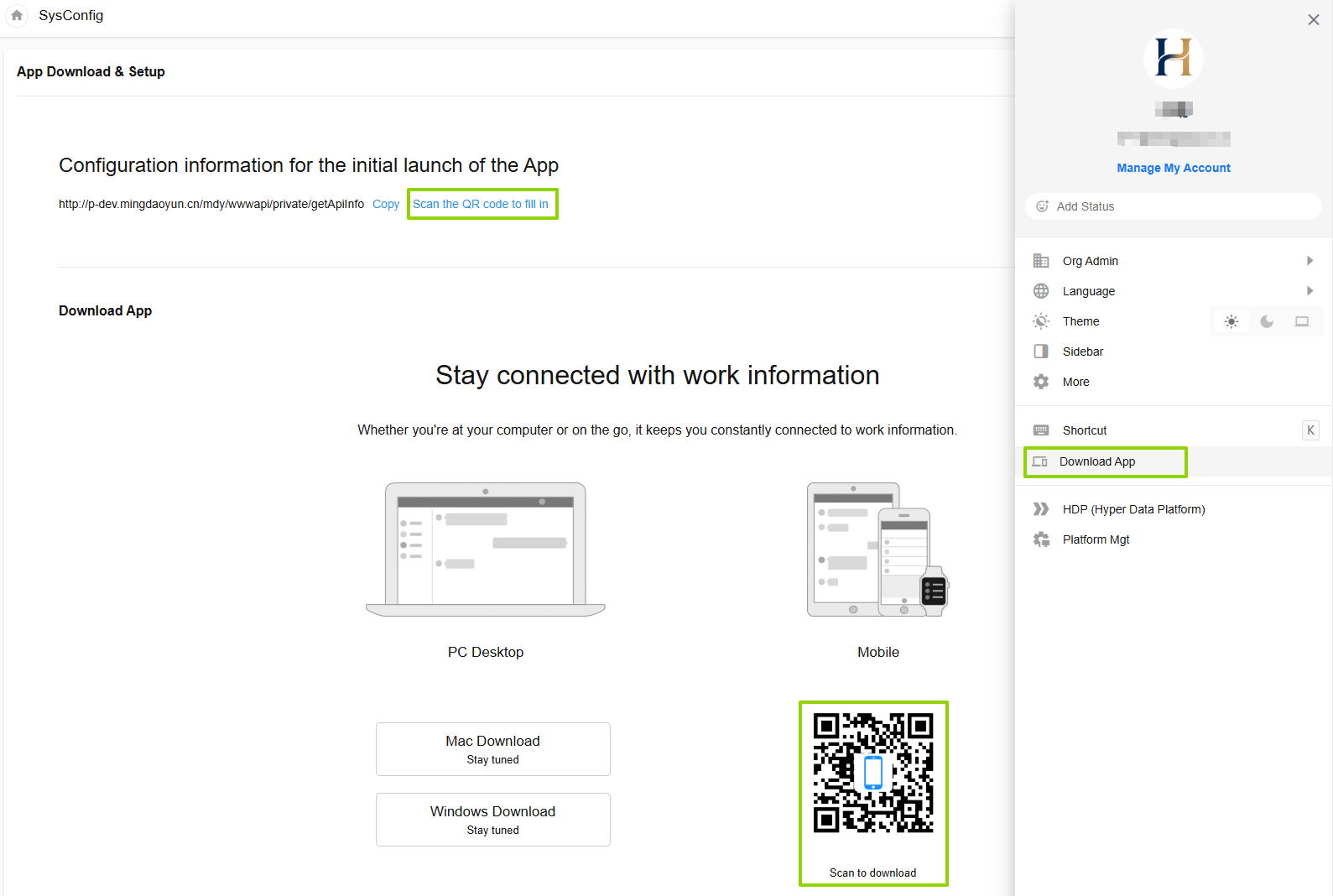
Click on the avatar to display the menu list
- Enter the Download Client page
- Scan to download the client
- Server information configuration (open the App to enter the server settings page, copy or scan the QR code to automatically complete the configuration)