Log Query
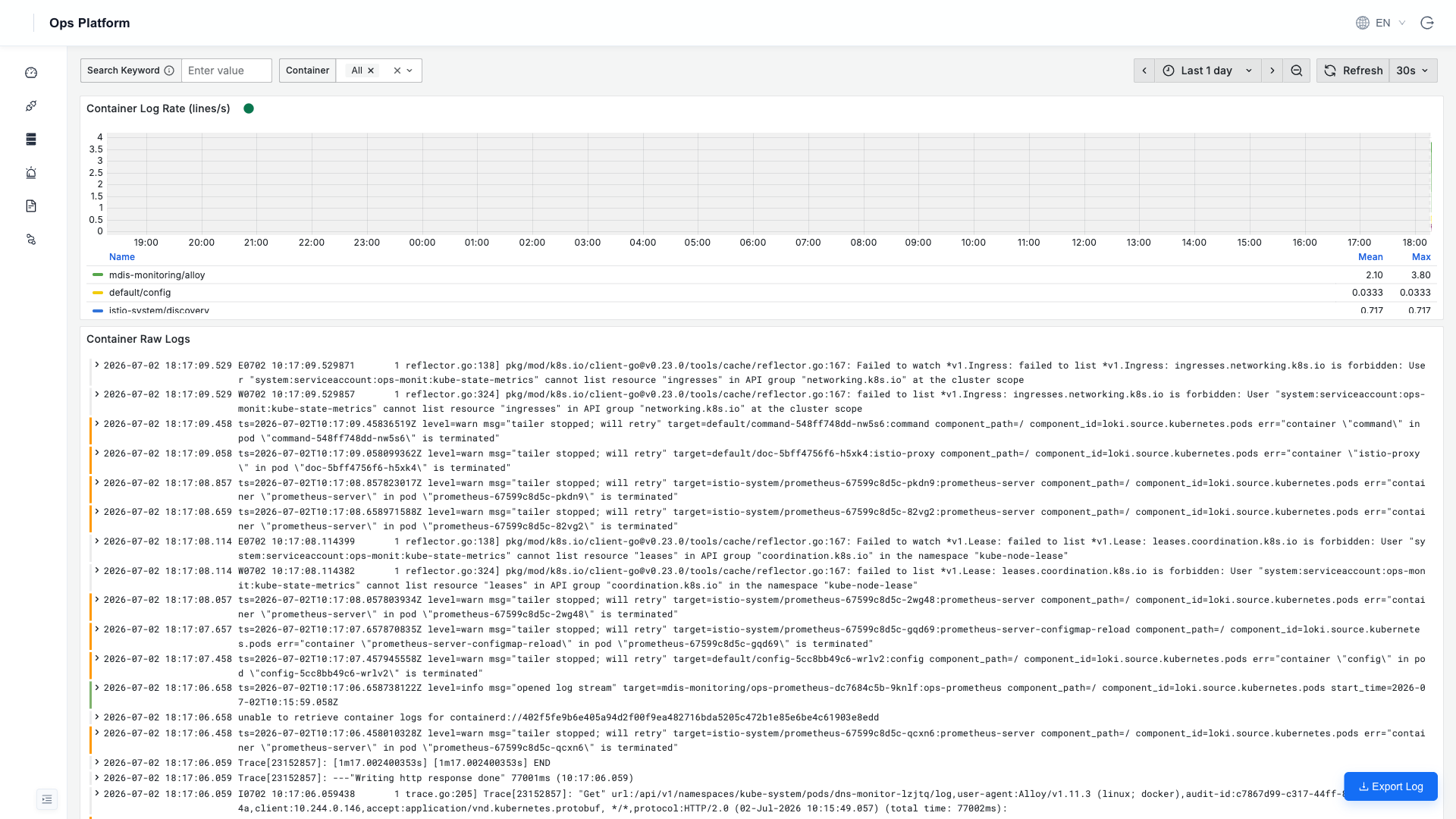
Loki-based log retrieval. The left-hand Log Management section has two panels, divided by source:
| Panel | Source | Use Case |
|---|---|---|
| Container Console | Docker container stdout/stderr (collected by Alloy) | Troubleshooting middleware and infrastructure container logs (MySQL / Redis / Kafka, etc.) |
| Service Logs | HAP microservice structured JSON logs (pushed directly by serilog) | Troubleshooting business calls and exception stacks; searching by parameter (phone number / user ID / traceID) |
Both panels have a keyword search (full-text, case-insensitive) and multi-select dropdown filters at the top. The time window defaults to the last 1 day and can be adjusted at the top right.
Container Console
Select a container name from the Container dropdown (such as script-app-1 or milvus-etcd) to view that container's recent stdout; combine it with keyword search to pinpoint content.
Service Logs
Service Logs queries the structured logs that HAP microservices push into Loki through serilog.
Not connected yet?
Service Logs requires an explicit write switch on the HAP side; without it this panel has no data. See Connecting Service Logs for the steps.
Advanced LogQL
For complex queries (aggregation / statistics / regex), go to Grafana Explore (the Grafana icon at the bottom left → Explore) and write LogQL directly:
{service_name="smssenderservice", detected_level="error"}     # all errors from the SMS service
{hostname=~".+"} |~ "(?i)13800138000"                          # search a phone number across all services
sum(rate({hostname=~".+"}[5m])) by (service_name)              # per-service 5m log rate
For syntax, see the official LogQL documentation.
Logs are retained for 30 days by default (ENV_LOKI_RETENTION=720h), adjustable in ops.yaml / ConfigMap. If disk space is tight, consider configuring an S3/MinIO backend.